GTA V Lite Project – Versions Guide & Important Information
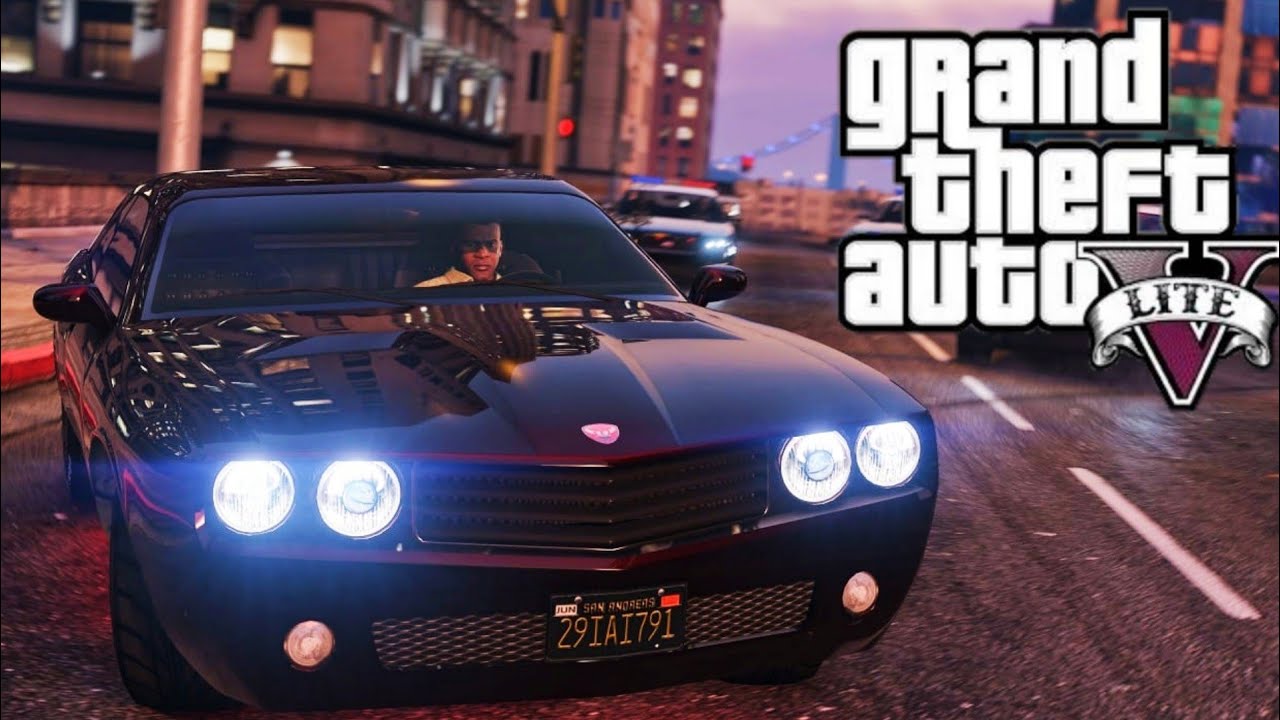
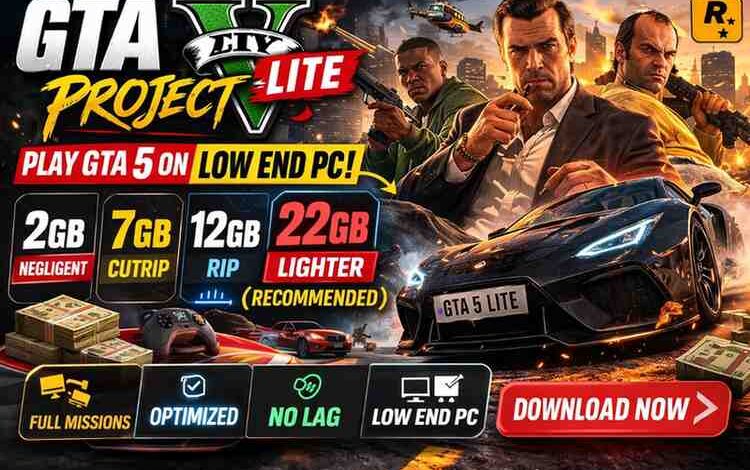
The GTA V Lite Project is a modified version of Grand Theft Auto V designed to run on low-end computers.
In this project, the game files are compressed and some features are removed to reduce the game size and improve performance.
Below are the different versions of the game and their features.
Credits
This project is possible thanks to the following tools and developers:
GoldBerg and Project127 – for the GTA V crack
OpenIV – for GTA V modding tools
GTA 5 Resized – for asset compression techniques
GTA V Lite Versions
1. Lighter Version (Recommended)
- Size: 22 GB compressed / 24 GB after extraction
- Based on GTA V version 1.29
- Game textures are compressed and slightly lower quality
- Self Radio is not available
- Director Mode is not included
- Audio quality is slightly reduced
- All missions are available
- All important audio files are included
- Optimized for better performance on low-end PCs
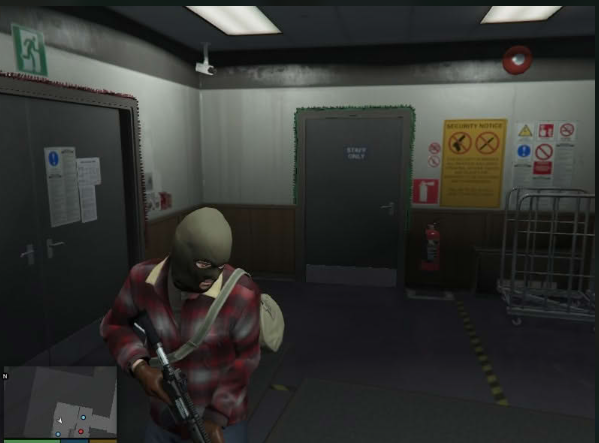
✅ This is the best version if you want the full GTA V experience with good performance.
2. RIP Version
- Size: 12 GB compressed / 13 GB after extraction
- Based on version 1.29
- Textures are more compressed
- Self Radio not available
- Director Mode not included
- Radios and cinematic audio are removed
- Story missions are not included
- Only Free Play Mode is available
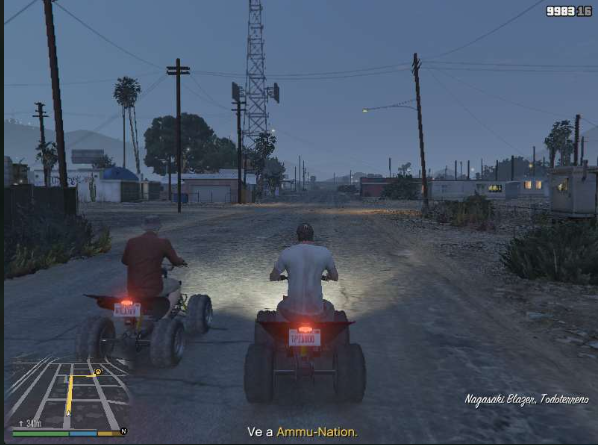
⚠️ This version is mainly for testing the game on very low-end systems.
3. CUTRIP Version
- Size: 7 GB compressed / 8 GB after extraction
- Based on version 1.29
- Textures heavily compressed
- Self Radio not available
- Director Mode not available
- Radios and cinematic audio removed
- Story missions removed
- Many textures removed
- Some game code removed
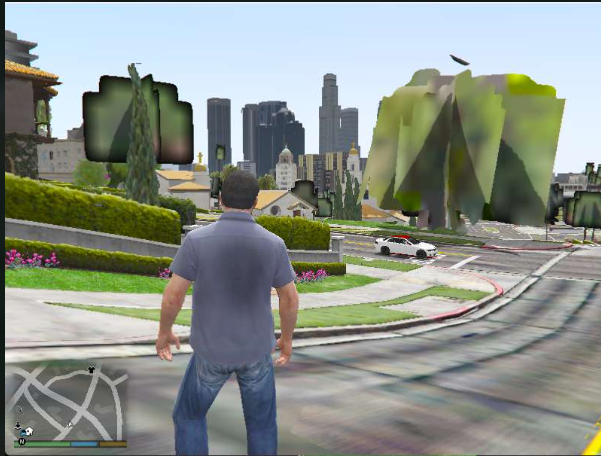
⚠️ This version is extremely compressed and provides very limited gameplay.
4. Negligent Version
- Size: 2 GB compressed / 2 GB after extraction
- Based on version 1.29
- Very low quality textures
- Self Radio not available
- Director Mode not available
- No radios or cinematic audio
- No missions available
- Many textures removed
- Game code partially removed
- 90% of the map removed
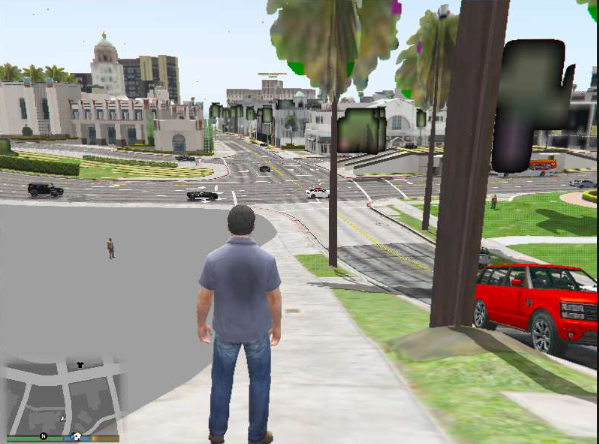
⚡ This is the most optimized version, but it offers very limited gameplay.
Developer Recommendation
The Lighter Version (22GB) is recommended because it provides the best balance between:
- Performance
- Game content
- Graphics quality
Use the RIP version only if you want to test the game on a very low-end PC.
How to Restore Original Game Content
If you want to restore original audio files or DLC content, you can download them separately.
Download Links:
Audio Files
https://filespayouts.com/ve6qjkp2soav/Audios_Originales_GTA_5.zip
DLC Files
https://filespayouts.com/86ue2hk8kxvj/DLCs_Originales_GTA_5.zip
Steps to Install
- Download the file.
- Open the file using 7-Zip or WinRAR.
- Inside the archive, you will see a folder named x64.
- Go to your GTA V game folder.
- Open the gta_data folder (where GTA5.exe is located).
- Drag the x64 folder into the gta_data folder.
- Replace the files when asked.
- Start the game.
Important Note:
Installing these files will add extra content like vehicles and bug fixes.
However, it will increase the game size by about 70 GB.
Can I Play This Version on Winlator or GameHub?
No.
These versions are designed to run on PC only.
Can I Play Online?
Yes.
Online mode is available in the Extra Folder → Online Mode.
Minimum System Requirements
- RAM: 2 GB RAM (Windows 7 with SSD)
- RAM: 4 GB RAM (Windows 10 with HDD)
- Processor: Dual-core 2.5 GHz
- Graphics Card: DirectX 10 compatible
- Operating System: 64-bit Windows
If your PC is weaker than this, you can try DXCPL, but the game may lag.
Game Launch Options (.BAT Files)
The game folder contains several BAT files for different launch options.
- NORMAL
Starts the game normally. - OPTIMIZATION (Recommended)
Starts the game with higher priority to reduce lag. - ULTRA OPTIMIZATION
Runs the game at very low resolution for better performance. - SAFEMODE
Starts the game with safe settings for troubleshooting.
Common Problems and Solutions
Game Has No Audio
This usually happens because required dependencies are missing.
Solution:
Install Visual C++ Redistributable and DirectX, then restart your PC.
Game Crashes While Playing
Possible reasons:
- Not enough RAM
- Hardware limitations
- Issues with the crack
Try lowering the graphics settings.
Game Crashes on Startup
Try the following steps:
- Update your graphics drivers.
- Start the game in SAFEMODE.
- Run the game in windowed mode, minimize it for 5 minutes, then maximize it.
Black Screen After Applying Optimization
Your graphics card may not support shadow removal.
Solution:
Start the game in SAFEMOD
DLL Error When Starting the Game
You may be missing required libraries.
Solution:
Run the Troubleshooter file in the game folder to install required dependencies.
How to Increase Game Performance
If you have an Intel system, go to:
Extra → Extra Optimizations
Run the file:
Eliminate Lag.reg
This increases VRAM allocation for integrated graphics.
How to Change Game Language
Run the file:
6-CHANGE GAME LANGUAGE.bat
How to Enable Full Screen
Press Alt + Enter
or change the setting in the game menu.
How to Skip the Game Intro
Run:
APPLY OPTIMIZATIONS → Skip Game Intro
This happens when your PC is very weak.
Solution:
Use the OPTIMIZATION BAT file in the game folder.
Why Are There Corrupted Files?
This usually happens because of an incomplete download.
Recommended:
- Use Internet Download Manager or Free Download Manager
- Extract files using the latest version of 7-Zip
Why Does Antivirus Detect the Game as a Virus?
This happens because the game uses cracks and modified files.
Some antivirus programs detect these files as threats.
To avoid issues, you may need to disable antivirus temporarily.